Overview

SecureChange Workflow automates security change management and risk analysis for firewalls and network infrastructure. With SecureChange Workflow, companies can proactively enforce security policies, reduce risk and ensure compliance with corporate and regulatory standards.

Designed to handle the entire security change lifecycle from initial business request through final configuration change audit, SecureChange Workflow provides professional analysis and productivity tools that make jobs simpler for administrators and business users alike. Find out how your company can automate the security change lifecycle with SecureChange Workflow.


Features

Features

  • Security Change Automation: Automatic processing of security change requests to simplify the user experience and make security administrators more effective.
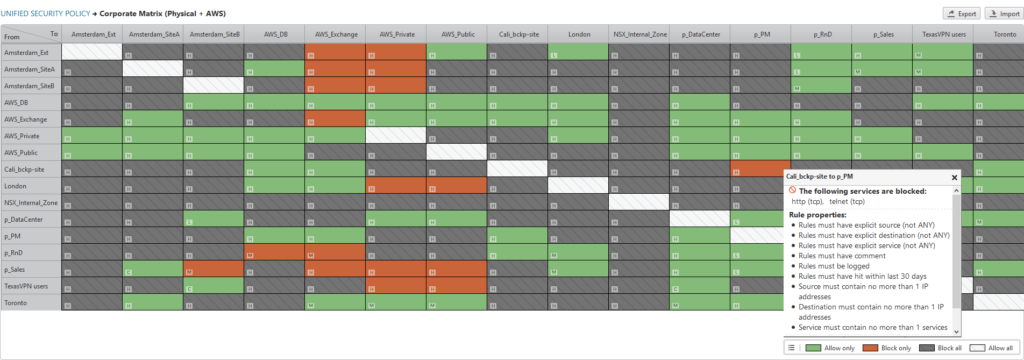
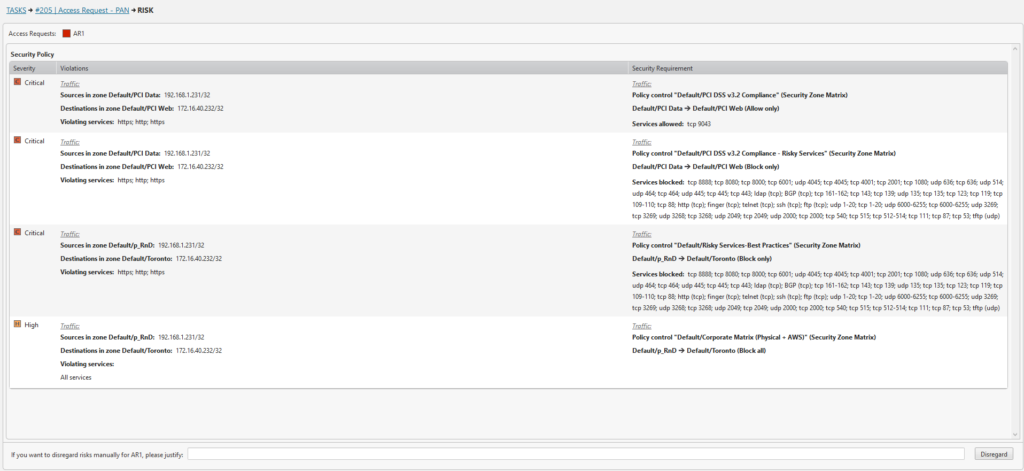
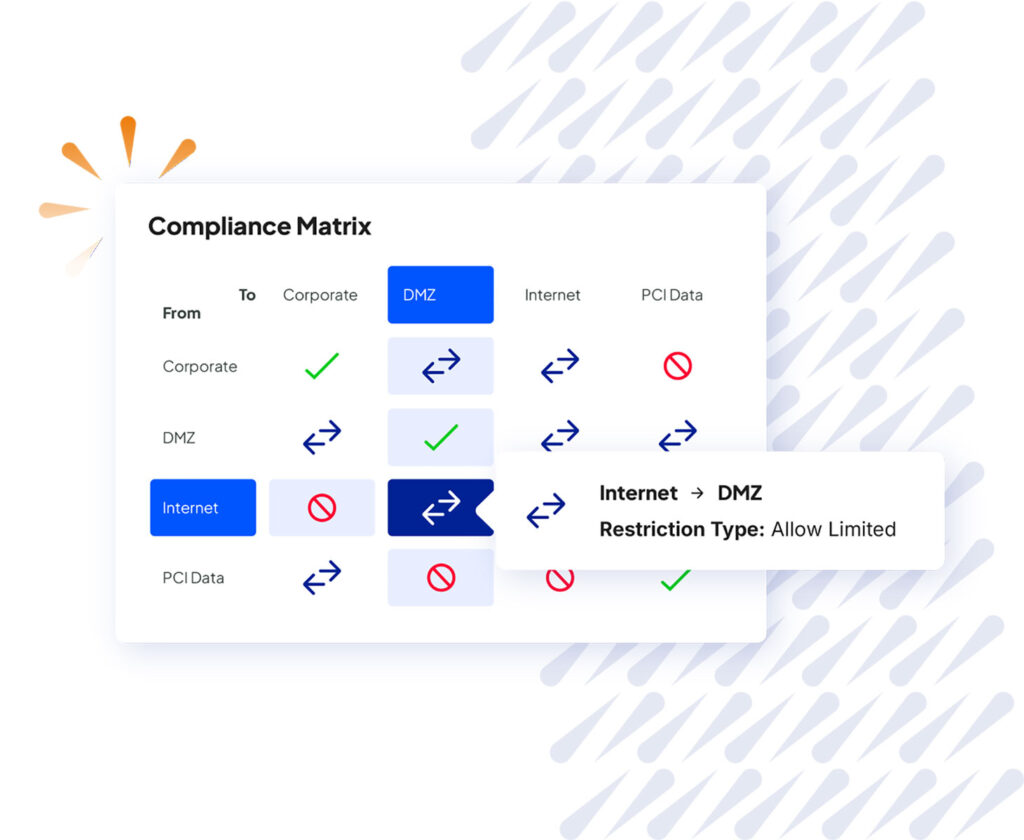
  • Proactive Risk Analysis: Powerful risk analysis to identify security risks in proposed changes and ensure compliance with organizational security standards.
  • Security Process Management: Planning and definition of organizational security policies and translation into specific use cases and templates.
  • Separation of Duties: Support for multiple roles within the security change process to meet the most demanding business and regulatory standards.
  • Complex workflows: Support for workflows with multiple participants at each step.
  • Pre-defined Business Process Templates: Out-of-the box templates for the most frequently-requested changes.
  • Powerful Change Template Editor: Simple template customization to meet the specific requirements of every organization.
  • Policy Change Advisor: Automatically suggests how to implement firewall configuration changes in the most effective way.
  • Integration with existing ticketing and help desk systems: Simple, rapid integration with leading IT systems to enable quick deployment.
  • Intuitive Web Interface: State of the art Web 2.0 GUI makes it easy for business users and administrators to do their jobs.

Benefits

Benefits

  • Increased network security
  • Proactive enforcement of corporate security policies
  • Greater operational efficiency
  • Compliance with industry and regulatory standards
  • Automatic change control
  • Proactive risk management
  • Improved IT governance

How it Works

SecureChange Workflow automates the security change process, ensuring that every participant has the tools and information they need to make the right decisions.

Security policy change lifecycle

Sample workflow (roles and workflows are configurable):

  • Request: Users submit change requests using simple, customizable forms.
  • Design: Administrators translate the user request into technical requirements.
  • Approve: Designated approvers review detailed risk analysis reports to determine whether the change is safe and compliant.
  • Implement: Firewall operators implement approved changes using standard vendor management tools.
  • Verify: Automatic verification ensures that changes are carried out exactly as approved.
  • Audit: Risk officers periodically review detailed documentation of change history for a complete audit trail.

Requirements

Environment

SecureChange Workflow is available in three form factors: Tufin T-Series appliance, software based and VMware virtual machine.
Software based installation:
Minimal hardware requirements for small to medium size environment
CPUIntel Pentium 4 or comparable AMD processor
(server grade system)
Memory2 GB RAM or higher
Hard Drive80 GB or higher
Appliance based installation: See T-Series Appliance Datasheet Français Deutsch Italiano
VMware installation (32bit/64bit VMware Workstation/Player/Server/ESX/ESXi):
Minimal hardware requirements for small to medium size environment
CPU1 Processor or more
Memory2 GB RAM or higher
Hard Drive80 GB or higher

Software requirements
Operating SystemsRed Hat Enterprise Linux 4/5
CentOS 4/5
Copyright © 2003-2010 Tufin Software Technologies Ltd.