SecureTrack+ is here to make network security less complicated. It gives you the visibility and control you need over your hybrid-cloud networks, helping to simplify policy management and reduce risks. Experience a practical solution that’s built to support your network’s continuous growth and adaptation.

Best-in-class network security policy automation.



Dive into a detailed view of your network security with SecureTrack+. Understand rule usage and traffic patterns better, and steer your organization’s network security with precision and ease.

SecureTrack+ centralizes policy management, turning daunting tasks into manageable ones. Experience simplified changes, reduced errors, and boosted policy compliance across your network’s security rules.

With SecureTrack+, enhance your defense mechanisms. By pinpointing and analyzing vulnerabilities and rule issues, it fosters a proactive approach to risk, enhancing organizational readiness and resilience.

Elevate your compliance management with SecureTrack+. Continuous monitoring and documentation tools simplify adherence to various regulatory requirements, enabling real- time proof of compliance and streamlined audit processes.

Dive deep into network insights with SecureTrack+'s powerful reporting and analytics. Customized reports and historical policy tracking enhance your grasp over network security performance and trends.






Experience revolutionary savings with Tufin, turning exhaustive 40-hour audits into brief, 30-minute sessions. A monumental shift that elevates operational efficiency and cost-effectiveness.

With Tufin, a financial service organization turned hours of network access changes into mere minutes, achieving a breathtaking 94% efficiency improvement. Complex, multi-day tasks are now completed swiftly, revolutionizing their operational efficiency.

Harnessing Tufin’s capabilities, an organization supercharged its defenses, navigating through the labyrinth of risks with enhanced visibility and control, safeguarding an invaluable 80% reduction in breach risks and securing over $3 million in savings.

Tufin turns the spotlight on the hidden corners of your network, enabling a symphony of visibility and protection. The result? A dazzling 75% uplift in connectivity management efficiency, and a bountiful saving of $715,000 over three transformative years.
Experience an organized, straightforward approach to managing security policies with Tufin. Our user-friendly console centralizes your on-premise firewalls, SDNs, SASE, and cloud devices, allowing for a simpler, more coherent management process. The console's design emphasizes ease and adaptability, supporting diverse security necessities and promoting straightforward navigation and execution of security tasks.
Learn about streamlined security policies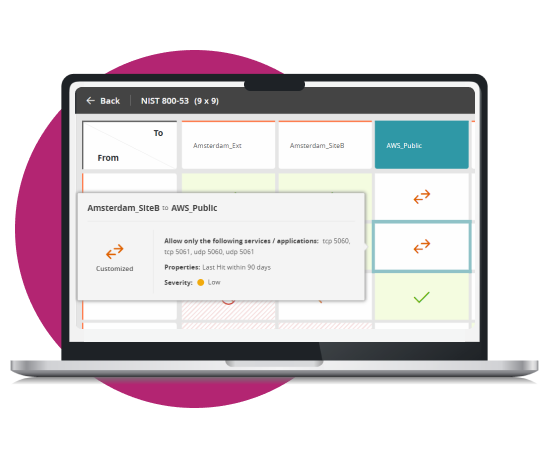
Tufin stands out with its broad device coverage across enterprise and cloud landscapes. By supporting all leading firewall and cloud network platforms, it offers an unmatched range of features and services, ensuring integrations that bolster network intelligence and automation. Tufin’s versatile APIs further enhance this, allowing customized integrations to meet your unique needs, making network management adaptable and efficient.
Get to know our partners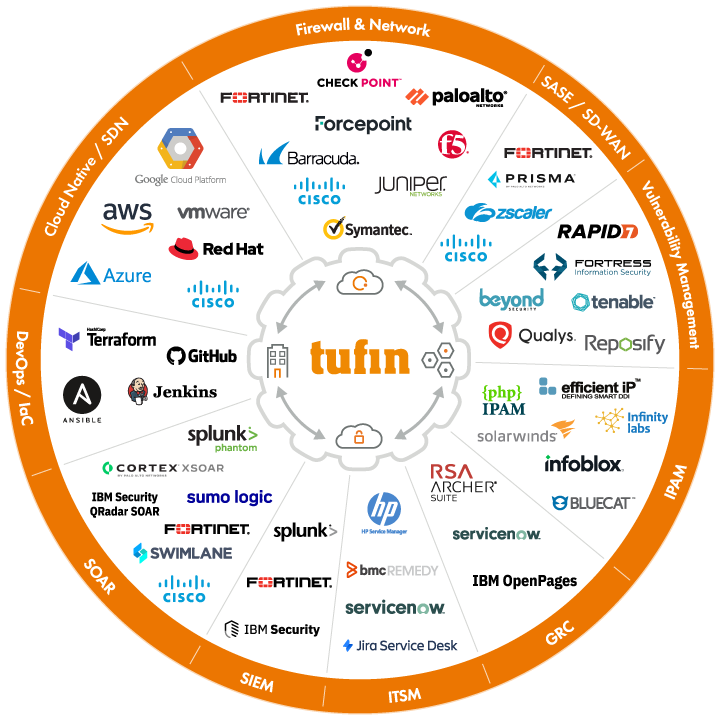
Tufin aims to make life a bit easier by refining and automating repetitive network management tasks. It’s an approach that enhances the zero-trust security methodology, ensuring applications and technologies connect and share data more securely and efficiently. This thoughtful automation aids in reducing network change SLAs and improving audit preparation accuracy and speed.
Explore smart automation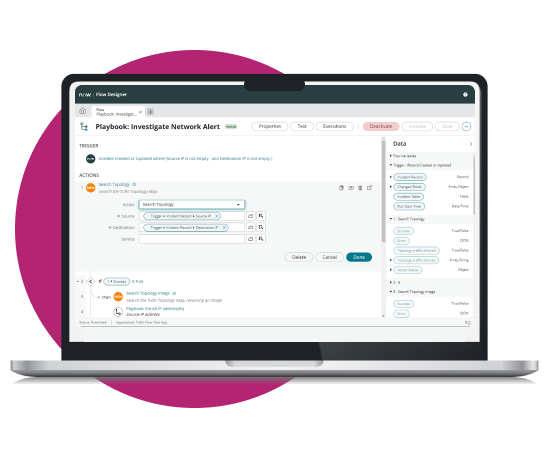
Tufin’s robust scalability is ready to accommodate your network’s continuous growth. Protecting extensive global networks, supporting a myriad of devices and routes, we ensure that our service quality remains uncompromised. Trust in Tufin’s commitment to aiding your expansion with steadfast professional services and a customer success approach designed for your network’s evolving needs.
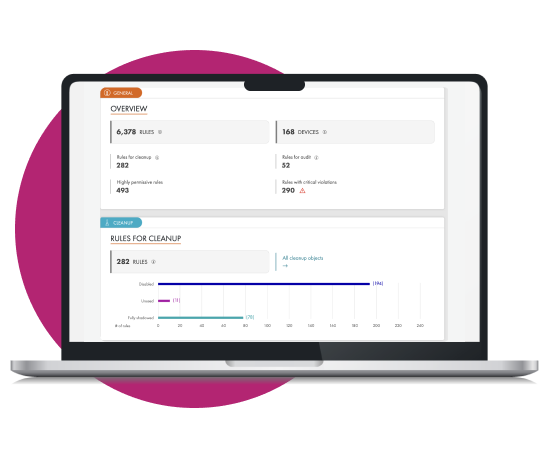
Elevate your network security and cloud security operations with Tufin's product tiers. Addressing the most challenging use cases, from segmentation insights to enterprise-wide orchestration and automation, experience a holistic approach to network security policy management.